Auto-Replenish
Auto-replenish keeps your team's credit balance topped up automatically. When your balance drops below a threshold, we charge your card and add credits - no manual intervention needed.
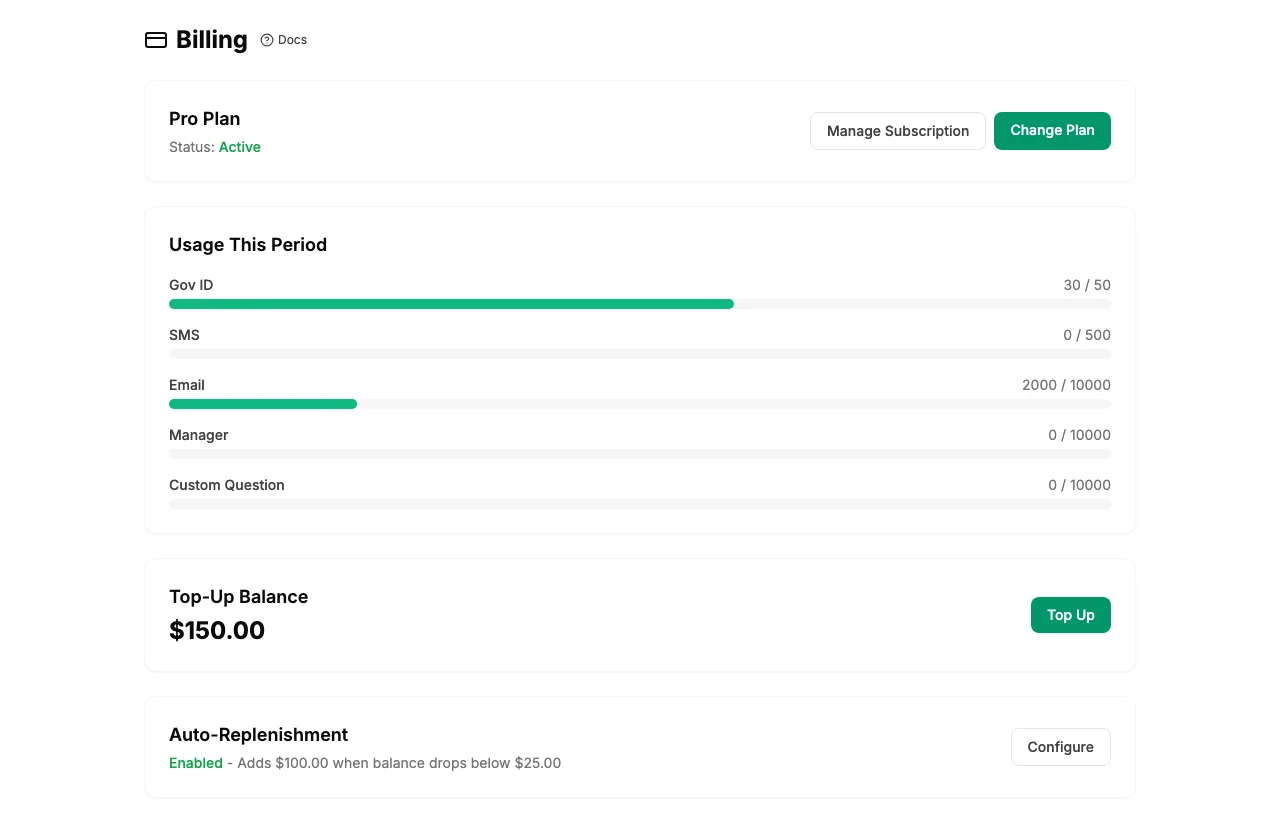
How Auto-Replenish Works
You configure two settings:
- Threshold - when your balance falls below this amount, auto-replenish triggers
- Replenish amount - the dollar amount charged to your card, which is converted to credits
For example, if your threshold is $25 and replenish amount is $100, your card will be charged $100 whenever your balance falls below $25.
Setting Up Auto-Replenish
- Go to Billing in the sidebar.
- Find the Auto-Replenish section.
- Toggle it on and set your threshold and replenish amount.
- Make sure you have a payment method on file.
Note: Auto-replenish requires a card on file. Add a payment method from the billing dashboard before enabling this feature.
Availability
Auto-replenish is available on the Pro plan. Teams on other plans can top up credits manually - see Credits & Top-Up.