Case History
Every verification case maintains a complete audit trail. Each action - from case creation to individual step completions - is recorded with a timestamp.
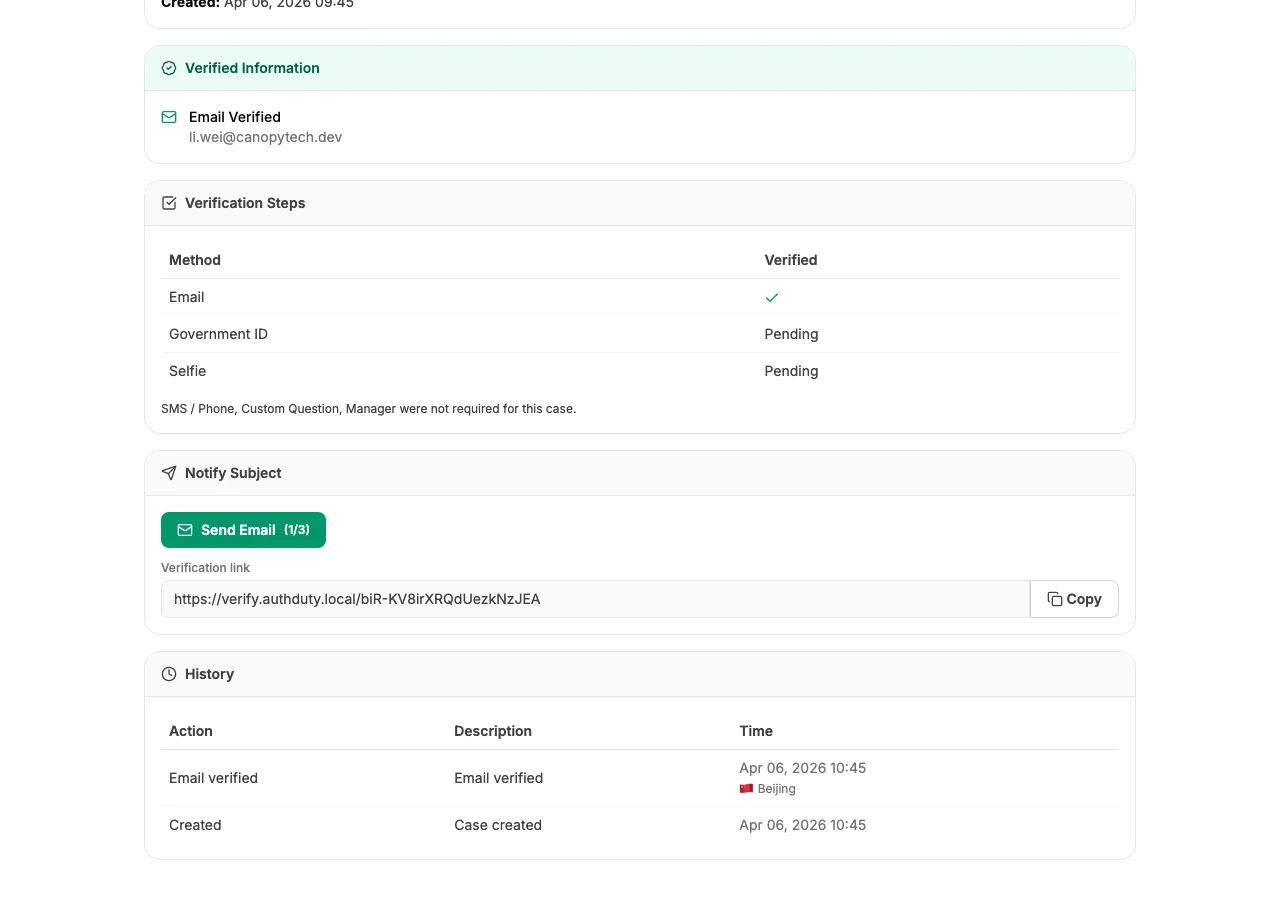
Viewing Case History
To see the full history of a case:
- Click on a case from your dashboard to open the detail view.
- Scroll down to the History section.
The history shows a chronological timeline of every event that occurred during the verification process.
Recorded Events
The following events are automatically recorded:
- Case created - who created the case and when
- Verification link sent - email dispatched to the subject
- Step started - the subject began a verification step
- Step completed - a verification method was completed successfully
- Step failed - a verification method failed
- Case closed - all steps completed, identity verified
- Case failed - verification was unsuccessful
- Case expired - time ran out before completion
Using History for Compliance
Case history provides the evidence you need for audit and compliance purposes. Each event includes:
- Exact timestamp (UTC)
- Description of the action
- Who initiated the action (staff member or subject)
For team-wide activity tracking across all cases and team actions, see Activity Log.