Credits & Top-Up
AuthDuty uses a credit-based system. Each verification case deducts credits from your team's balance based on the methods selected.
How Credits Work
When you create a verification case, credits are deducted from your team balance. The cost depends on which verification methods you select - simpler methods like email cost less than government ID or selfie verification.
Credits are shared across your entire team. Any team member with the appropriate role can create cases that consume credits.
Checking Your Balance
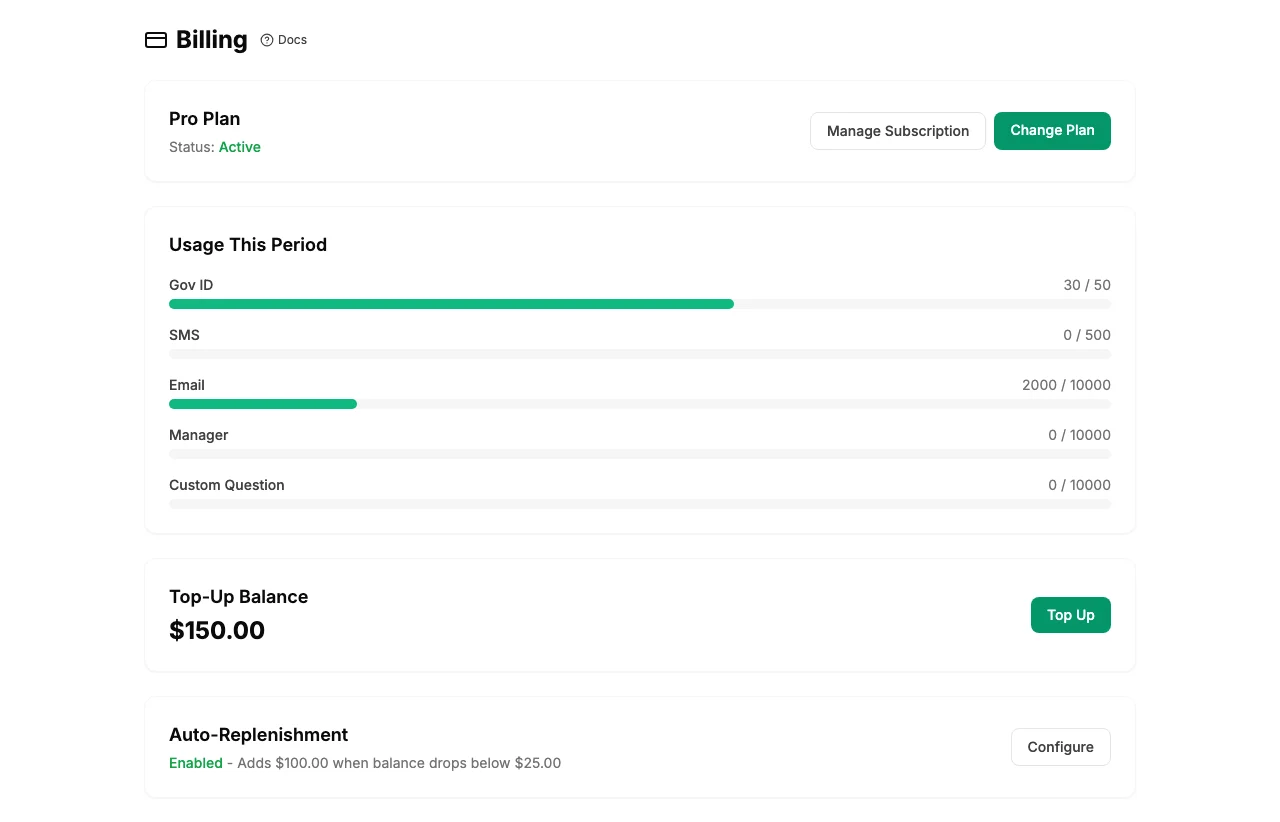
Your current credit balance is displayed in the sidebar and on the billing dashboard. The billing dashboard also shows:
- Current balance
- Usage this billing period
- Usage by verification type
Topping Up Credits
- Go to Billing in the sidebar.
- Click Add Credits.
- Choose an amount and complete the payment through Stripe.
- Credits are added to your team balance immediately.
Payments are processed securely through Stripe. All major credit cards are accepted.
Tip: If your team uses credits regularly, consider setting up Auto-Replenish so your balance is topped up automatically.