Verification Methods
AuthDuty offers six verification methods. Combine them to match the level of assurance your situation requires.
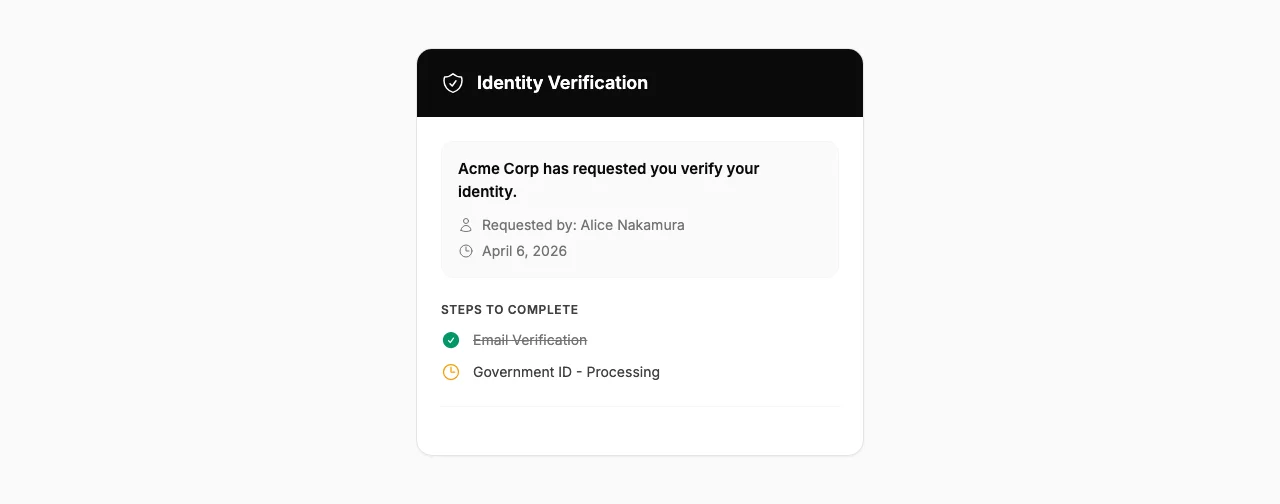
Email Verification
Confirms the subject has access to the email address on file. The subject clicks a verification link sent to their email.
- Best for: Low-risk confirmations, basic identity checks
- Subject experience: Click a link in their inbox
Phone (SMS) Verification
Sends a one-time code via SMS to the subject's phone number. The subject enters the code on the verification page.
- Best for: Verifying phone number ownership, medium-risk situations
- Subject experience: Receive a text message, enter the 6-digit code
- Requires: Subject's phone number when creating the case
Government ID Verification
The subject uploads a photo of a government-issued identity document (passport, driver's license, national ID). The document is verified for authenticity using Stripe Identity.
- Best for: High-risk situations, compliance requirements, account recovery
- Subject experience: Photograph or upload their ID document
- Powered by: Stripe Identity (document fraud detection)
Selfie Verification
The subject takes a live selfie that's compared to the photo on their government ID. This is always paired with Government ID verification.
- Best for: Maximum assurance, preventing impersonation
- Subject experience: Take a live photo using their device's camera
- Powered by: Stripe Identity (face matching)
Custom Question
Ask the subject a question that only the real person would know - for example, "What project did you present at last Tuesday's standup?" You provide the expected answer when creating the case, and it's manually reviewed against the subject's response.
- Best for: Internal knowledge verification, adding context-specific checks
- Subject experience: Type their answer in a text field
- Requires: Question text and expected answer when creating the case
Manager Verification
The subject's manager receives an email asking them to confirm the subject's identity. This adds a human judgment layer to the verification process.
- Best for: Situations where human judgment matters, high-value account changes
- Manager experience: Click a link, confirm or deny the subject's identity
- Requires: Manager's email address when creating the case
Combining Methods
You can select multiple methods per case. The subject completes them one at a time in order. Common combinations:
- Email + SMS - Quick verification for routine helpdesk requests
- Email + Government ID + Selfie - High-assurance verification for account recovery
- Email + Custom Question + Manager - Multi-layer check combining technical and human verification